What to communicate to guests before they arrive (and when)
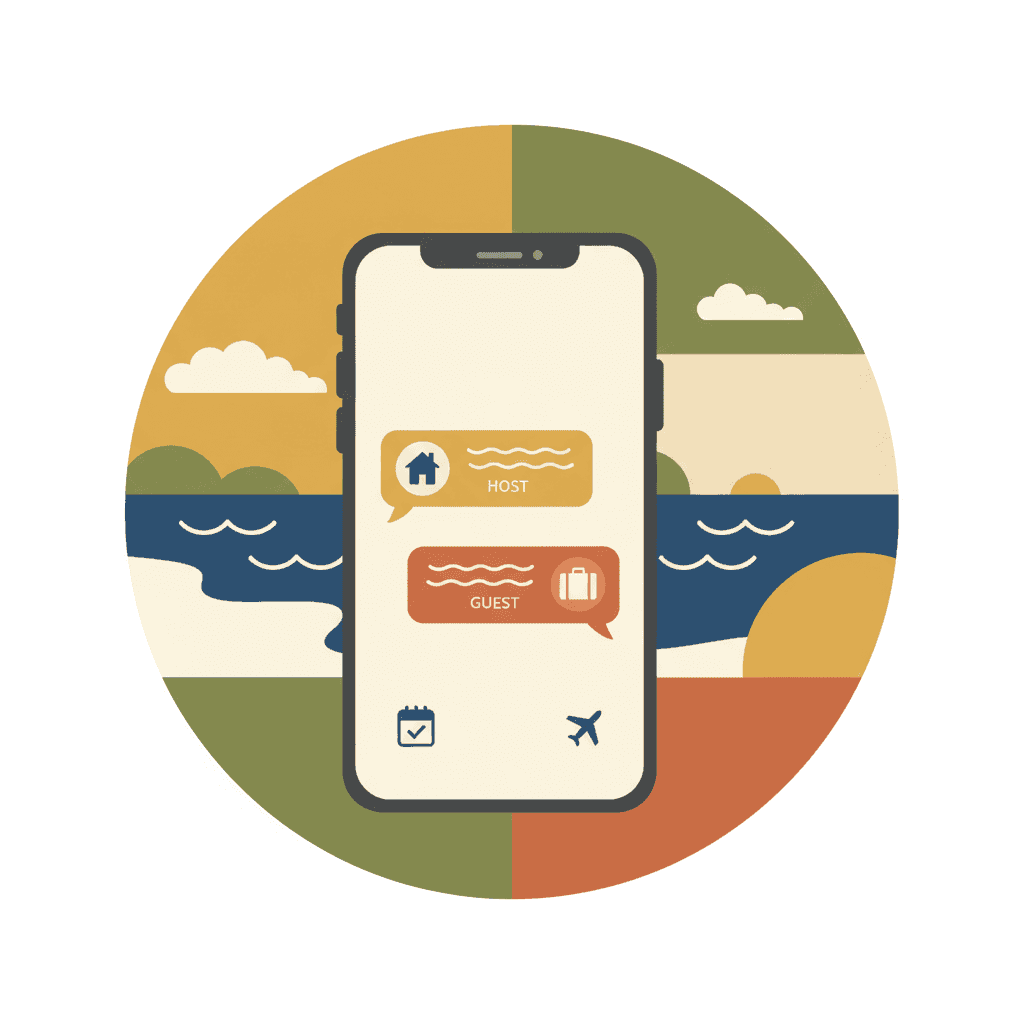
A well-informed guest before arrival is a guest who doesn't send you 15 messages on check-in day asking things you could have told them earlier. Pre-arrival communication reduces inquiries, avoids misunderstandings, improves the experience, and saves you time. The trick is sending the right information at the right time — not too early (they forget) and not too late (creates anxiety).
Most owners send a message with check-in instructions the day before and call it done. That works, but it's the bare minimum. Those who manage pre-arrival communication well get fewer questions, fewer problems, better reviews, and more free time.
The ideal sequence: 4 messages, 4 moments
Message 1: post-booking confirmation (immediate)
When: right after the booking is confirmed.
Goal: let the guest know there's someone on the other end, everything's fine, and what to expect.
Content:
- Brief thank you
- Confirmation of dates and number of guests
- Preview that they'll receive instructions later
- Link to guest registration form (if you send it in advance)
- Warm tone, without overwhelming with information
Template:
Hi [name]! Thanks for booking. We confirm your stay from [check-in date] to [check-out date] for [X] people.
A few days before arrival we'll send you all access instructions. In the meantime, here's a quick form for guest registration (it's required by law, but takes just a minute): [link]
If you have any questions before arriving, just write us. See you soon!
Message 2: practical information (5-7 days before)
When: one week before arrival. Enough time for the guest to plan, but not so much they forget.
Goal: provide useful information to help the guest prepare their trip.
Content:
- Exact address (with Google Maps link)
- How to get there from airport/station (public transport, taxi, parking)
- Check-in and check-out times
- Nearby supermarket recommendations
- Anything they should know beforehand (street works, local event, etc.)
- Registration form reminder if not completed
Template:
Hi [name]! Your stay is coming up. Here's some practical info:
📍 Address: [full address] — [Google Maps link] 🚗 From the airport: [transport options] 🕐 Check-in: from [time] / Check-out: before [time] 🛒 Nearest supermarket: [name], 2 min walk
If you need restaurant or activity recommendations, just ask — we know the area well.
[If registration not completed:] By the way, could you fill in the guest registration form when you get a chance? [link] — Takes 2 minutes and helps us have everything ready for your arrival.
Message 3: access instructions (24h before)
When: the day before arrival, morning or midday.
Goal: give the guest everything they need to enter without depending on you.
Content:
- Step-by-step access instructions (building entrance, elevator, door)
- Lock code or key location
- Wifi (network name and password)
- Emergency contact
- Anything they need to know upon entering (where the fuse box is, how the AC works, etc.)
Template:
Hi [name]! Tomorrow's the day. Here's everything to get in:
🚪 Access:
- Building entrance: code [XXXX] or buzzer [X]
- Elevator to floor [X]
- Door [X]: lock code [XXXX]
📶 Wifi: [network name] / Password: [password]
📞 If something doesn't work or you need help: [phone/WhatsApp]
The AC turns on with the remote on the living room side table. Trash goes to the bins on the corner (blue: recycling, gray: general).
Enjoy your stay!
Message 4: welcome on arrival day (check-in day)
When: same day, a few hours before check-in time.
Goal: confirm everything's ready and add a final personal touch.
Content:
- Confirmation that the property is prepared
- Check-in time reminder
- Offer of help if needed
- Warm, brief tone
Template:
Hi [name]! Everything's ready for your arrival. The place is prepared and waiting for you.
Remember you can come in from [time]. If you arrive earlier and it's already ready, I'll let you know.
Safe travels and see you soon!
What NOT to do in pre-arrival communication
| Mistake | Why it fails | Alternative |
|---|---|---|
| Send all info in one massive message | Guest doesn't read it or can't find what they need | Split into short, chronological messages |
| Send access instructions 2 weeks early | They forget, ask again | 24h before is optimal |
| Send nothing until the day before | Guest gets anxious, writes asking | Immediate confirmation + info at one week |
| Cold, robotic tone | Doesn't create connection | Be human, use their name, be brief |
| Too many rules and prohibitions | Guest feels watched | Basic rules integrated naturally, not as a rulebook |
| No emergency contact | If something fails at 11pm, they don't know who to call | Always an accessible phone/WhatsApp |
Automation: how to not write every time
If you manage more than 2-3 properties, writing these messages manually for each booking isn't viable. Options:
Scheduled messages on the platform
Both Airbnb and Booking allow configuring automatic messages:
- Airbnb: "Scheduled messages" in listing settings. You can create templates that send automatically at specific moments (booking confirmation, X days before, check-in day).
- Booking: "Message templates" with manual or semi-automatic sending.
Channel manager with automation
If you use a channel manager (Lodgify, Hostaway, Guesty, etc.), most allow:
- Automatic message sequences per booking
- Personalization with variables (guest name, dates, property)
- Sending via email and/or platform message
- Different sequences per property
WhatsApp Business
For direct communication outside platforms:
- Predefined quick replies
- Automatic welcome messages
- Labels to organize conversations by property/status
Guest registration as part of communication
The guest registration form is just another message in your sequence. The best time to send it is in Message 1 (post-booking), with a reminder in Message 2 (one week before) if they haven't completed it.
Why so early? Because:
- The guest has time to do it without rushing
- If there are problems with data or documents, you have margin to resolve them
- On check-in day they don't have to stop and fill out forms
- You can submit the report to SES Hospedajes in advance
Communication for groups and families
When the booking is for a group (family, friends), adapt communication:
- Direct messages to the booking contact — not the whole group
- Ask them to share access instructions with the rest
- The registration form must include everyone — remind explicitly: "We need data for all people staying, including minors"
- If there are special needs (crib, high chair, extra parking), ask in Message 2
How Autoregistro fits in
Autoregistro slots into your pre-arrival communication sequence as the registration step. You send the form link in your first message, the guest fills it when convenient, and the data goes straight to SES Hospedajes without you touching anything. If the guest doesn't complete it, you can send a reminder. If they're traveling as a group, one form collects everyone's data — adults and minors. So check-in day is just arriving and walking in, no paperwork, no waiting.
Frequently asked questions
How many pre-arrival messages are too many? 4 is the recommended maximum. More than that and you start saturating. If you can condense to 3 (confirmation, practical info + instructions, welcome), even better.
Should I send messages through the platform or WhatsApp? Through the platform always as the primary channel (it's on record, the platform values it). WhatsApp as a complement for arrival day or emergencies.
What if the guest doesn't respond to any message? Don't worry — many guests read but don't reply. If they haven't completed guest registration, send a friendly reminder 2-3 days before. If they don't respond to access instructions, send a message on arrival day confirming everything's ready.
Should access instructions include photos or video? If your access is complex (multiple doors, code + key + elevator), a short video or step-by-step photos help a lot. If it's simple (lock code), text is enough.
Should I adapt messages to the guest's language? Ideally yes. At minimum, have templates in Spanish and English. If you receive many guests from a specific country (German, French), having templates in their language is a detail that's appreciated.
Related posts
How to build guest loyalty in your vacation rental: strategies for direct bookings and repeat stays
Proven strategies to convert one-time guests into repeat customers — post-stay communication, direct booking incentives, contact database, and how to reduce your dependence on platforms.

How to manage check-out in your vacation rental: process, automation, and common mistakes
Practical guide to organizing guest check-out in vacation rental — schedules, communication, condition review, cleaning, key management, and how to automate the process to scale without losing quality.
How to manage vacation rental reviews: get more, respond to negatives, and use them to grow
Complete guide to managing reviews on Airbnb and Booking — strategies to get more positive ratings, how to respond to negative feedback without damaging your image, and how to use reviews to improve your business.
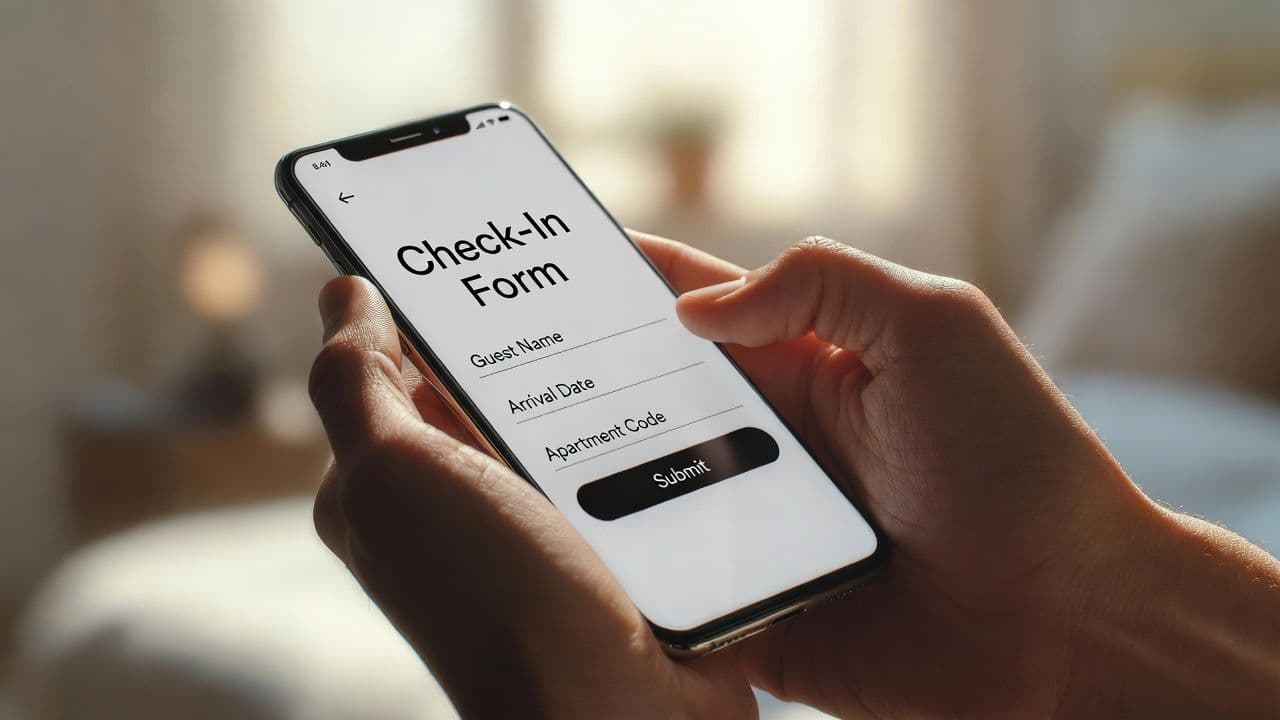
How to automate check-in for your Spanish vacation rental
Discover how self-service guest registration can save you hours every week while keeping your vacation rental compliant with Spanish law.
Ready to automate your guest registration?
Create your account and start streamlining SES Hospedajes compliance for your Spanish rentals.
Get started