Tourist Accommodation Photography: How to Take Photos That Sell (and Which Ones Drive Reservations Away)
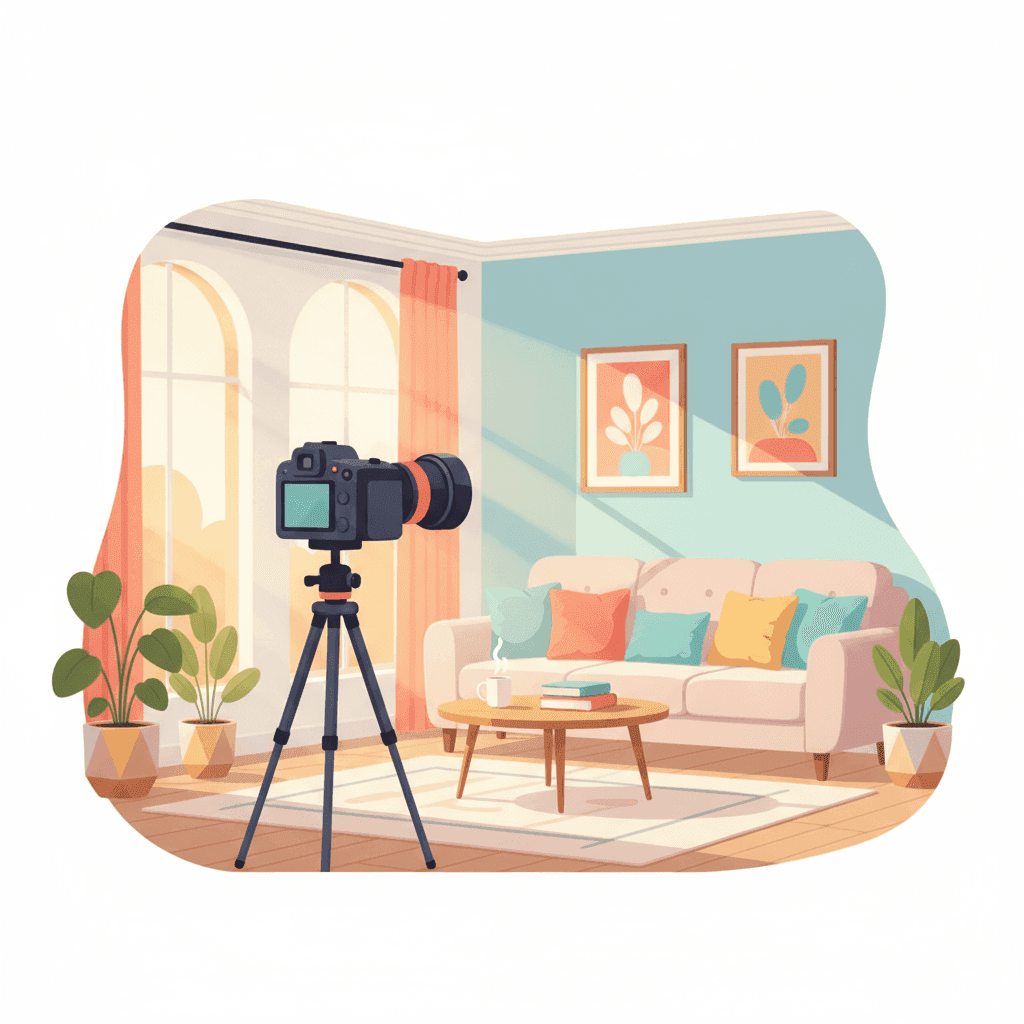
The photos in your listing are the first thing a guest sees. Before the price, before the description, before the reviews. If the photos don't catch their eye within 3 seconds, they keep scrolling. It doesn't matter that your apartment is wonderful. In this post, I’ll tell you how to take photos that sell, what equipment you need, whether it's worth paying a professional photographer, and the common mistakes that are costing you reservations every month.
Why photos matter more than almost everything else
On Airbnb and Booking, guests first see the cover photo. If it doesn't convince them, they won't even click. And here are some scary numbers:
- A listing with professional photos receives up to 40% more clicks than one with poorly taken mobile photos.
- The cover photo accounts for 80% of the decision to click.
- Apartments with fewer than 15 photos have fewer reservations than those with 25-30.
Translated: if you invest 200 euros in a good photographer and get 3-4 extra reservations per year, you've already recouped your investment. And it usually yields much more.
Photos are not an expense. They are the best marketing investment you can make in your tourist accommodation. Period.
What makes a photo sell (and another not)
It's not just about having a good camera. There are five things that separate a selling photo from one that doesn't:
1. Natural light, whenever possible
The best photos are taken between 10 am and 2 pm on sunny days, or right at sunset (the golden hour). Natural light makes colors look real, spaces appear larger, and everything feel cozy.
Avoid taking photos with yellow artificial light. It gives a feeling of an old, dark, and sad place.
2. Wide angles, but without tricks
Use a wide-angle lens (24mm or similar) so rooms look spacious. But beware of fisheye distortion. If the guest arrives and sees that the living room is half the size it appeared in the photo, you’re guaranteed a 3-star review.
3. Camera height: at chest level
Don't take photos from eye level or from the floor. The simple rule: camera at chest height, or even slightly lower (1.2-1.4 meters). Spaces look bigger and more balanced.
4. Composition: tidy but lived-in
It's not an IKEA catalog. A book on the table, a folded blanket on the sofa, a cup in the kitchen... these make the guest imagine living there. But beware, zero real clutter: no loose cables, remote controls lying around, visible cleaning products.
5. Details that enchant
A photo of the coffee corner. The shower with folded towels. The bed with plush pillows. The terrace plants. Details sell emotions, not square meters.
Which rooms to photograph (and in what order)
The order of photos in your listing matters. Airbnb shows the first 5 in search results. Here's the best order:
- Cover photo: the best photo of the living room, terrace, or view. The one that captivates.
- Full living room: showing the main space where life happens.
- Kitchen: clean, modern, with details like a nice coffee maker.
- Main bedroom: bed made perfectly, soft lighting.
- Bathroom: clean, with folded towels.
- Other bedrooms.
- Terrace, balcony, or outdoor spaces.
- Details: corners, decor, amenities.
- Views from the windows.
- Photos of the building or entrance (optional, only if attractive).
Minimum 20 photos. Ideally between 25 and 35. More than 40 starts to be too many.
Professional photographer or do it yourself?
It depends. Here's an honest comparison:
| Option | Cost | Time | Quality | When it makes sense |
|---|---|---|---|---|
| Modern smartphone + app | 0-20 euros | 2-3 hours | Good if you know how | Small apartment, tight budget |
| DSLR + editing | 400-800 euros equipment | 4-6 hours | Very good | If you enjoy photography |
| Professional photographer | 150-400 euros | 2 hours + delivery | Excellent | Almost always worth it |
| Airbnb Plus service | Variable | They coordinate | Excellent | If you qualify for the program |
My opinion: if you have the budget, hire a professional who specializes in real estate or tourist accommodation photography. Not just any photographer. Someone who knows how to light interiors, compose spaces, and edit well.
A good photographer charges between 150 and 350 euros per full session. For that price, they deliver 30-50 edited photos. And those photos last you 3-5 years (until you redecorate).
How to do it yourself with a mobile (if you go solo)
If you decide to do it yourself, here’s the minimum you need:
- Modern smartphone with a good camera (iPhone 12 or higher, Samsung S21 or higher).
- Tripod costing around 20 euros. Essential to keep the camera steady.
- Editing app: Snapseed (free) or Lightroom Mobile (10 euros/month).
- A sunny day with curtains open.
Specific steps:
- Organize and thoroughly clean the apartment. No exceptions.
- Open all curtains and blinds.
- Turn on warm lights where needed.
- Use the HDR mode on your phone.
- Shoot from medium height, with the phone in landscape.
- Take 3-4 photos of each corner from different angles.
- Edit: slightly increase exposure, lower shadows, adjust whites. Don’t overdo it.
Do not use Instagram filters. No black and white, sepia, or saturated colors. Photos should look real, not artistic.
Common mistakes that scare away reservations
These are the ones I see repeatedly when reviewing listings:
- Vertical photos: always horizontal, except for very specific details.
- Toilets with the lid up: always close the lid.
- Unmade or poorly made beds: spend 10 minutes making it look hotel-quality.
- Cables, plugs, and power strips visible: hide or temporarily remove them.
- Personal items: family photos, clothes, medications... out of frame.
- Dark or blurry photos: if it looks bad, retake. Don’t upload poor photos.
- Mirrors reflecting you: be careful, it looks terrible.
- Photos of the entire building from the street: unless it’s a beautiful building, forget it.
- Overlaid text: no "Free WiFi" in red letters over the photo.
- Outdated photos: if you changed the sofa two years ago, update the photos.
When to update photos
They are not for life. Update them:
- When you change major furniture (sofa, bed, dining table).
- When you renovate.
- When seasons change if your apartment highlights that (garden in summer, fireplace in winter).
- Every 3-4 years at most, even if nothing has changed. Styles age.
A trick: do a winter and a summer photo session. Guests searching in January want to see blankets and a warm atmosphere. July guests want a terrace and light.
Photos for each platform
Each platform has different requirements:
| Platform | Minimum resolution | Format | Minimum photos |
|---|---|---|---|
| Airbnb | 1024x683 px | JPG horizontal | 5 (recommended 20+) |
| Booking | 1280x900 px | JPG horizontal | 6 (recommended 24+) |
| Vrbo | 1024x768 px | JPG horizontal | 6 |
| Own website | Whatever you want | JPG or WebP | Whatever you want |
Always upload the highest resolution. Platforms compress them automatically.
How much a good photo session impacts
A real case I see often: a normal apartment in Valencia, with poorly taken mobile photos, 55% occupancy, and an average price of 75 euros. Hiring a photographer (€280), uploading new photos, and in 3 months:
- Occupancy rises to 72%.
- Average price increases to 88 euros (because the apartment "looks" better).
- The €280 investment is recouped in the first month.
It’s not magic. In a saturated market, photos are what differentiate you. Improve that, and everything else improves.
If you want to go further with your listing, I recommend reading how to improve your vacation rental listing to get more reservations and how to decorate and furnish your tourist accommodation to maximize reservations and reviews.
How Autoregistro fits in
Photos attract reservations. But once the guest books, another story begins: communications, check-in, guest registration in SES Hospedajes... all of that also impacts the experience (and reviews).
Autoregistro solves the guest registration part: the guest fills out a form from their mobile, and the data automatically goes to SES Hospedajes. You don’t have to do anything. €1 per property per month. Less than a coffee.
This allows you to focus on what really brings reservations: photos, the listing, communication with the guest. And forget about paperwork.
Frequently Asked Questions
Is it worth hiring a professional photographer for a small apartment?
Yes. A small apartment needs even more help to look spacious and cozy. A professional knows how to light and angle to make a 40-square-meter studio look like 60.
Can I take photos with a drone?
Only if your property has a spectacular setting (beach, mountains, vineyards). For urban apartments, it adds no value. And note, flying drones in Spain requires a license if used commercially.
How many photos are too many?
More than 40 starts to be boring. The sweet spot is between 25 and 35 well-chosen photos. Quality over quantity.
Can I use AI-generated images?
No. Platforms are starting to detect them and penalize. Also, if a guest books thinking the photos are real and arrives to find they’re not, you risk a serious complaint and possible refund.
How often should I change the cover photo?
Try different covers every 2-3 months and see which gets more clicks. Airbnb provides listing performance stats. Rotate among the top 3-4 to see which converts best.
Ready to automate your guest registration?
Create your account and start streamlining SES Hospedajes compliance for your Spanish rentals.
Get started