WiFi in Vacation Rental Homes: Which Router to Install, What Speed to Contract, and How to Avoid 1-Star Reviews
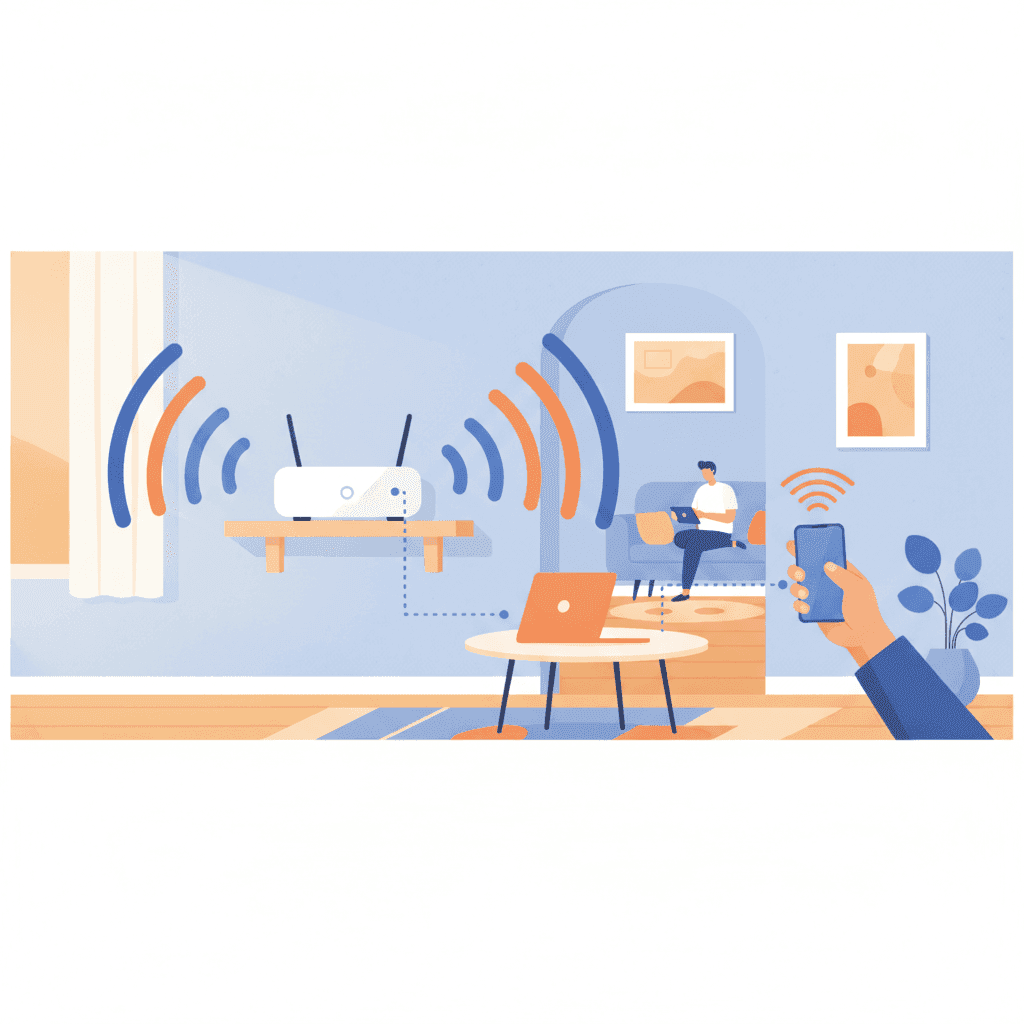
WiFi is no longer an extra in your vacation rental: it is a requirement. Guests take it for granted, check it before booking, and if it performs poorly, they will leave you a bad review. In this post, I’ll tell you what speed to really contract, which router to install, how to cover an entire floor without spending a fortune, and how to set up a system that can handle remote work, 4K Netflix, and kids playing online at the same time.
Why WiFi is the most important amenity (and the one that generates the most complaints)
If you look at negative reviews on Airbnb and Booking, you'll see a clear pattern: cleanliness, noise, and WiFi. The three horsemen of the vacation rental apocalypse.
The problem with WiFi is that it’s invisible until it fails. Nobody leaves 5 stars for having good internet, but they will leave 1 star if it goes wrong. It’s an unfair asymmetry, but it’s the reality.
And there’s more: increasingly, people work remotely from your apartment. If your guest has a video call with their boss at 10 a.m. and it drops, they don’t care about the nice views. They will give you a 3.
What speed to really contract
This is where most owners go wrong: either contracting too little ("100 Mbps is enough") or contracting more thinking that more is always better.
The reality is that the speed you need depends on three things:
- How many guests sleep in the apartment
- What they do (Netflix, remote work, gaming)
- Whether fiber reaches your area well
Recommendation based on apartment size
| Capacity | Recommended Speed | Typical Use |
|---|---|---|
| 1-2 people (studio) | 300 Mbps | Streaming, browsing, basic remote work |
| 3-4 people (apartment) | 500-600 Mbps | 4K streaming, multiple video calls |
| 5-6 people (large apartment) | 1 Gbps | Multiple remote work, gaming, 4K streaming |
| 7+ people (house/chalet) | 1 Gbps + Mesh WiFi | Heavy simultaneous use |
My practical advice: if your apartment sleeps 4 or more people, go straight to 1 Gbps. The price difference between 300 and 1000 Mbps is usually 5-10 euros per month. For that money, you avoid many complaints.
Important: the contracted speed is not the actual speed. If you contract 600 Mbps via fiber, your wired router will give you 550-600. But over WiFi, depending on the router and distance, you can drop to 100-200 Mbps. WiFi is always worse than wired.
Upload vs download
Most people only look at download speed. Mistake. For video calls and remote work, what matters is upload speed. Symmetrical fiber (same upload and download speeds) is ideal. Movistar, Digi, and O2 offer this at no extra cost in their fiber plans.
Avoid asymmetrical plans that give you 500 Mbps download but only 50 Mbps upload. A guest on a video call will notice the difference immediately.
Which operator to choose
This depends heavily on where your apartment is. But here are general pros and cons:
| Operator | Approximate Price | Pros | Cons |
|---|---|---|---|
| Movistar | 40-55 euros/month | Coverage, customer service | Expensive |
| Digi | 20-30 euros/month | Price, symmetrical fiber | Weak router, slower support |
| O2 | 30-35 euros/month | No contract, good network | Less coverage |
| Vodafone | 35-45 euros/month | Frequent offers | Chaotic billing |
| Orange/Jazztel | 35-45 euros/month | Dual offers | Irregular customer service |
If your apartment is in an urban area with fiber, Digi or O2 are the most cost-effective options. If you are in a rural area or with irregular coverage, Movistar remains the most reliable.
The router: don’t use the one provided by the company
This is the most common mistake: using the default router installed by the provider. They are usually basic models that barely cover a small apartment.
If your apartment is over 60-70 square meters, has thick walls, or multiple rooms, the provider’s router will fall short. You’ll see this when a guest writes to you from the back bedroom saying the signal doesn’t reach.
Options based on apartment size
Small apartment (less than 60 m², single floor): The provider’s router is usually enough. Place it in a central, elevated spot, not hidden in a closet.
Medium apartment (60-100 m²): Replace the router with a decent one. A TP-Link Archer AX55 or ASUS RT-AX58U (100-130 euros) offers WiFi 6, good coverage, and stability.
Large apartment or with thick walls (over 100 m²): Mesh system. Two or three nodes creating a single WiFi network covering everything. TP-Link Deco X50, Google Nest WiFi, or Amazon eero. Price: 150-300 euros for a pack of 2-3 nodes.
House with multiple floors or chalet: Mesh system with 3-4 nodes. Consider also a wired access point in critical zones.
How to place the router (almost no one does this right)
It doesn’t matter if you have the best router in the world if you place it behind the TV in a closed cabinet. Basic rules:
- Central: in the middle of the apartment, not in a corner
- Elevated: on a high shelf, not on the floor
- Clear: no glass, metals, or appliances around
- Ventilated: routers heat up and performance drops
- Away from microwave and Bluetooth devices (they interfere at 2.4 GHz)
If the router must be at the entrance (because that’s where the cable arrives), that’s fine, but consider adding an access point or a mesh system.
The name and password: make it easy
It seems trivial, but a WiFi named "MOVISTAR_8F2A" with password "a8DF29xk29LM" is a nightmare for guests.
Recommendation:
- Network name: easy to identify. For example, "Downtown_Apartment" or your apartment’s name
- Password: easy to type but secure. 10-12 characters, no strange symbols. Something like "Barcelona2024" or "SunAndBeach123"
- Make it visible in the welcome manual and also stuck on the fridge or a decorative frame
Better yet: generate a QR code with the WiFi network and place it in a frame. Guests scan it with their phone and connect without typing. It’s free with any online QR generator.
If you want to go deeper into how to set up the welcome manual, here’s a guide: Welcome Manual for Your Vacation Rental.
Separate guest network: yes or no
If the apartment is exclusively for tourists, it’s not necessary. But if you share the WiFi (for example, because you also live there seasonally or have cameras and IoT devices), create a separate guest network.
Most modern routers allow this. Benefits:
- Guests don’t see your devices
- If a guest downloads something suspicious, it doesn’t affect your main network
- You can limit guest network speed if you want
What to do when WiFi fails
It will happen. Sooner or later, the connection drops. Have a clear protocol:
- Manual instructions: "If WiFi doesn’t work, unplug the router for 30 seconds and plug it back in." 80% of outages are fixed this way.
- Contact your provider: keep the fault number handy.
- Plan B: offer to share mobile data temporarily or, if the outage lasts, a small discount.
We have a specific guide on this: Internet outages in your vacation rental: protocol to avoid losing reviews.
How much does it cost to set up good WiFi (real numbers)
Let’s do the math for an 80 m² apartment, capacity 4 people:
| Concept | Initial Cost | Monthly Cost |
|---|---|---|
| 600 Mbps fiber (Digi) | 0 euros | 25 euros |
| TP-Link AX55 router | 110 euros | - |
| Extra repeater (optional) | 40 euros | - |
| Total | 150 euros | 25 euros/month |
Compared to what you earn per night, 25 euros a month is negligible. And that initial investment of 150 euros is recouped through positive reviews for avoiding connection problems.
Common mistakes that cost reviews
- Contracting only 100 Mbps for an apartment with 6 people
- Using the provider’s router in a 120 m² apartment
- Setting an impossible-to-type password
- Not testing the signal yourself in each room before the season
- Not having a plan B for when it drops
- Not indicating WiFi upon arrival (guest arrives, can’t find it, and the experience starts badly)
How Autoregistro fits in
A good WiFi makes your guests arrive happy. But before that, they need to check in and register with SES Hospedajes, where many owners waste time (and patience).
Autoregistro handles that. Your guests receive a link, fill out their details from their phone before arriving, and all information goes directly to SES Hospedajes automatically. Without you having to type anything.
It costs 1 euro per month per property. Less than a coffee. And it takes care of one of the most cumbersome administrative tasks of tourist rentals. So you can focus on what’s important: good WiFi and five-star reviews.
Frequently Asked Questions
Can I set a data limit on guests’ WiFi?
Technically yes, many routers allow it. But I don’t recommend it. Guests expect unlimited WiFi, and setting limits will generate complaints. Unless in very extreme cases, leave the connection open.
Is it legal to see what pages my guests visit through WiFi?
No, and don’t even think about it. Privacy of communications is protected by the Constitution. You could see general usage statistics, but never content, browsing history, or specific activity. That would be a crime.
Is it worth installing WiFi 6?
Yes, especially if you buy a new router. WiFi 6 (AX) routers perform better with many devices connected simultaneously, which is exactly the case in a vacation rental. The price difference with WiFi 5 is minimal now.
Can I deduct the WiFi bill as an expense?
Yes, it’s an expense directly related to the activity. It’s 100% deductible if the apartment is solely for tourism, and proportional if you have a mixed use. More info in our guide on deductible expenses for tourist rentals.
What if fiber doesn’t reach my area?
Options: fixed 4G/5G (Movistar, Vodafone, and Orange offer 5G routers with fixed plans), satellite (Starlink works very well but costs 40-50 euros/month), or rural WiMAX. Choose the one with the best upload speed in your area.
Ready to automate your guest registration?
Create your account and start streamlining SES Hospedajes compliance for your Spanish rentals.
Get started