Smart TV vs Normal TV in Vacation Rental: Which to Install, How Much It Costs, and Common Mistakes
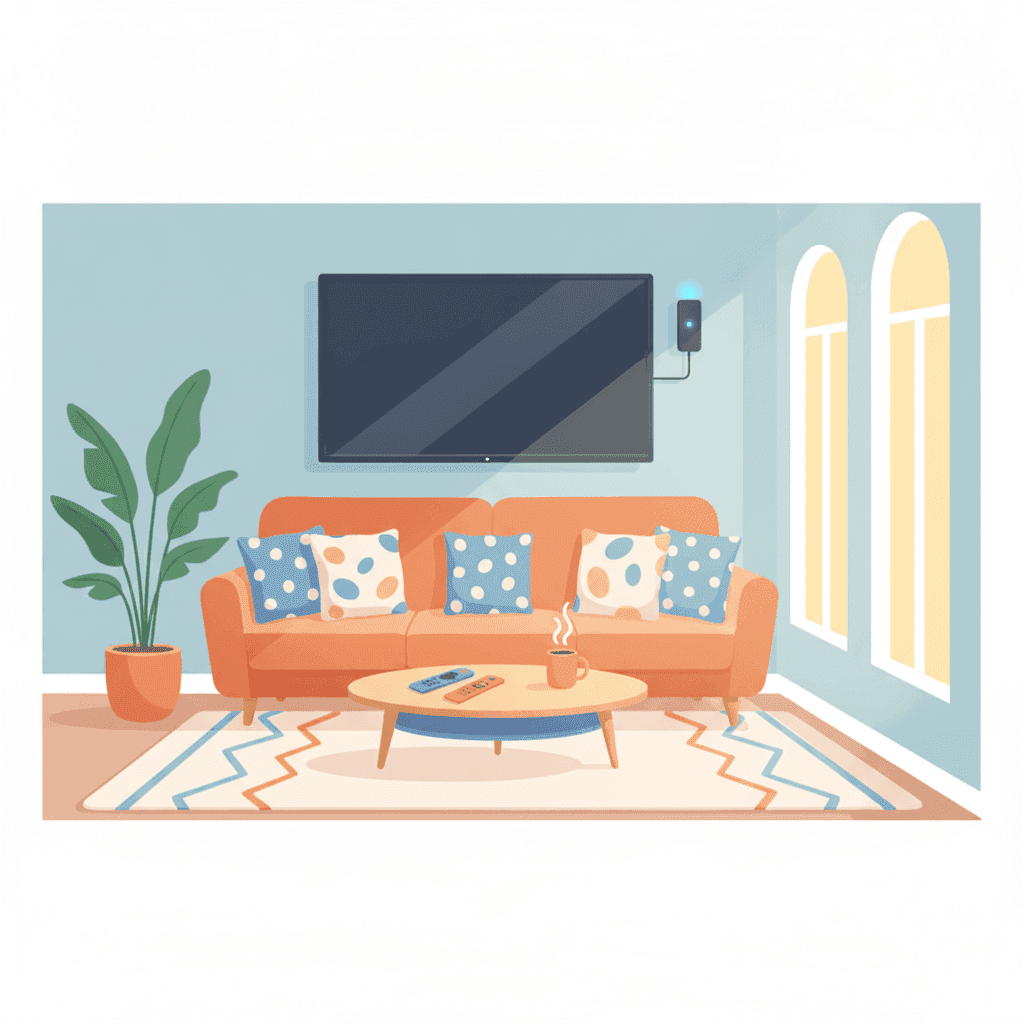
Choosing the TV for your vacation rental may seem trivial until a guest writes to you at 10:00 PM because they can't watch Netflix. Or worse: because they left their account open and the next guest deleted the profile. The decision between a Smart TV and a normal TV with an external device (Fire Stick, Chromecast, Apple TV) affects your budget, reviews, and the number of messages you receive at night. Here I tell you what I use, how much each option costs, and the costly mistakes.
Why TV still matters (even if you think it doesn't)
Many owners think TV is no longer used. Wrong. According to Airbnb and Vrbo surveys, over 70% of guests turn it on at least once during their stay. Families with children, couples on rainy days, people having late dinners and wanting background noise. The TV is used.
And if it doesn't work well, you notice it in reviews. "The TV didn't work," "We couldn't watch anything," "The remote didn't work." These comments can cost you half a star without you realizing.
The three real options
Let's get straight to the point. You have three options:
- Modern Smart TV (with built-in apps)
- Normal TV + external device (Fire Stick, Chromecast, Apple TV)
- Old TV with TDT (the cheap option I still see in many apartments)
Modern Smart TV
A decent 43-inch Smart TV (TCL, Hisense, basic LG) costs around 300-400 euros. Comes with pre-installed Netflix, Prime Video, Disney+, YouTube, and sometimes HBO Max. Operating system Google TV, webOS, or Tizen depending on the brand.
Advantages:
- All-in-one, one remote
- Clean look, no extra cables
- Automatic updates
Disadvantages:
- Guests log in with their accounts and many don't log out when leaving
- Some brands (especially old Samsung) are slow and crash
- If it breaks, you replace the entire TV
Normal TV + external device
A "dumb" 43-inch TV costs about 200-250 euros. Add a Fire TV Stick (40 euros) or Chromecast with Google TV (50 euros), and you have almost the same as a Smart TV.
Advantages:
- If the device breaks, replace it for 40 euros
- Faster and more modern interface than many Smart TVs
- Easy to reset between guests
- Fire Stick has "guest profile" mode that comes in handy
Disadvantages:
- Two remotes (though some Fire Sticks also control the TV)
- HDMI cable visible if not hidden well
- Some older guests get confused with the Fire Stick remote
Old TV with TDT
The "I already have one and I won't spend anything" option. Wrong. If your TV is over 8 years old, guests see it as a flaw. And forget about watching their favorite series.
Cost comparison over 3 years
| Option | Initial Cost | Expected Replacements | Total 3 years |
|---|---|---|---|
| 43" Smart TV | 350 EUR | 0 (hopefully) | 350 EUR |
| Normal TV + Fire Stick | 240 EUR | 1 Fire Stick (40 EUR) | 280 EUR |
| Mid-range 50" Smart TV | 500 EUR | 0 | 500 EUR |
| Old TV + TDT | 0 EUR | Worse reviews | Costs you money |
My recommendation for standard vacation rentals: Normal 43-inch TV + Fire TV Stick 4K. For less than 250 euros, it's sorted, and maintenance is trivial.
The issue with guest accounts
This is the mess no one tells you about. When a guest logs in with their Netflix on your Smart TV, several things can happen:
- They forget to log out, and the next guest sees their profile
- The next guest changes the profile, deletes things, or adds strange content
- The original guest notices suspicious activity and blocks their account
- You receive messages asking you to log out
Do not offer your Netflix, Disney+, or HBO account to guests. It violates all platform terms of service and your account could be closed. Plus, it’s a management headache.
The clean solution is the guest mode or resetting the device between stays. The Fire TV Stick allows account deletion in 30 seconds from settings. If you have a cleaning company, give them instructions to do this at each turnover.
Size: how many inches do you need?
It depends on the living room. Quick guide:
| Distance to sofa | Recommended inches |
|---|---|
| 2-2.5 meters | 40-43" |
| 2.5-3 meters | 50-55" |
| 3-4 meters | 55-65" |
| Bedrooms | 32-40" |
Don’t go overboard with a giant TV in a small living room. It looks bad in photos, and guests complain about pixelation.
Brands I recommend (and those to avoid)
For vacation rentals:
- TCL and Hisense: Unbeatable quality/price. Decent Google TV system.
- Mid-range LG: webOS is smooth and durable.
- Xiaomi TV: Good option if you’re also going to install Fire Stick.
Avoid:
- Very old Samsung Smart TVs (old Tizen, slow, app problems)
- Store brands (last 2 years at best)
- "Offer" TVs under 200 euros in 43 inches: usually HD, not Full HD
Common mistakes I see in vacation rentals
1. Not leaving remote instructions
Guests arrive, see two remotes on the table, and don’t know which is which. Label them or include in your welcome manual. See: Welcome manual for your vacation rental.
2. Visible cables
An HDMI hanging and Fire Stick wobbling behind the TV look terrible in photos. Use zip ties, cable channels, or mount the TV on the wall with the device hidden behind.
3. Weak WiFi where the TV is
A Smart TV or Fire Stick needs at least 25 Mbps real speed for 4K. If the router is far, use a repeater or Ethernet cable. More details in WiFi in your vacation rental.
4. Offering your streaming account
Already mentioned above. Don’t do it. If you want to offer content, pay for your own Plex subscription or let guests use theirs.
5. TV in the bedroom without request
Many guests don’t want a TV in the bedroom (noise from partner, strange cables). If you install one, make sure it looks good and works, don’t leave it as decoration.
Minimum maintenance
Every 3-6 months, check:
- Remote works and has batteries (leave a couple of AAA batteries as backup)
- Apps are updated
- No previous guest sessions are open
- TDT tuner picks up channels (if used)
A reset of the Fire Stick every 2-3 months is good to prevent slowdowns.
My recommended setup for 2026
If I set up a new medium-sized vacation rental tomorrow, I would install:
- TCL or Hisense 43" 4K TV, without Smart TV (or ignoring built-in apps): 220 EUR
- Fire TV Stick 4K Max: 70 EUR
- Wall mount with tilt: 25 EUR
- Cable channel: 10 EUR
Total: 325 EUR. It meets the requirements, looks good, easy to replace, and guests handle it easily.
How Autoregistro fits in
TV is important, but before the guest turns it on, they need to enter your house. And before that, you need to register them in SES Hospedajes. Autoregistro handles that step for you: send a link to the guest, they fill out their details, and it automatically sends to SES. No ID, no phones, no hassle with the Ministry portal.
It costs 1 euro per month per property (less than a coffee) and relieves you of the traveler registration headache. If you have multiple properties, scale easily. Check it out at autoregistro.es.
FAQ
Do I have to pay the digital license or any tax for having a TV in the vacation rental?
There is no specific license for having a TV for tourist rental. If you broadcast content via TDT, you pay nothing extra. If you subscribe to Netflix, it violates Netflix’s terms (for domestic use).
Do I need a license to put a TV with channels in a vacation home?
For free channels (TDT), no. If you broadcast paid content in common areas of a large building with multiple apartments, there are regulations. In a single vacation apartment, no.
Is Fire TV Stick, Chromecast, or Apple TV better for vacation rentals?
Fire TV Stick wins for practicality: cheap, easy to reset, physical remote everyone understands. Chromecast with Google TV is similar. Apple TV is excellent but costs 4 times more and doesn’t add much in this context.
What if a guest leaves their Netflix account open?
Log out yourself from device settings as soon as you see it. If unsure how, reset the device entirely (Fire Stick: settings > system > reset). And include "verify that the TV has been reset" in your cleaning checklist.
Is a TV in every bedroom worth it?
In high-end apartments or for families, yes. In standard apartments, a good TV in the living room is enough. Before installing TVs in every room, invest in better WiFi and better mattresses; they give a higher return.
Related posts
WiFi in Vacation Rental Homes: Which Router to Install, What Speed to Contract, and How to Avoid 1-Star Reviews
WiFi is the number one amenity for guests. We tell you what speed to contract, which router to install, how to properly cover the entire floor, and how to prevent a connection cut from costing you a negative review.
TV and streaming in vacation rental: what to set up, what to avoid, and how not to get confused with licenses
Practical guide to setting up the TV in your vacation rental: which TV to buy, which streaming apps to install, the legal issues of sharing your Netflix account, and headache-free alternatives that work.
Ready to automate your guest registration?
Create your account and start streamlining SES Hospedajes compliance for your Spanish rentals.
Get started