Appliance Instructions in Vacation Rental Homes: How to Make Them So No One Calls You at 10:00 PM
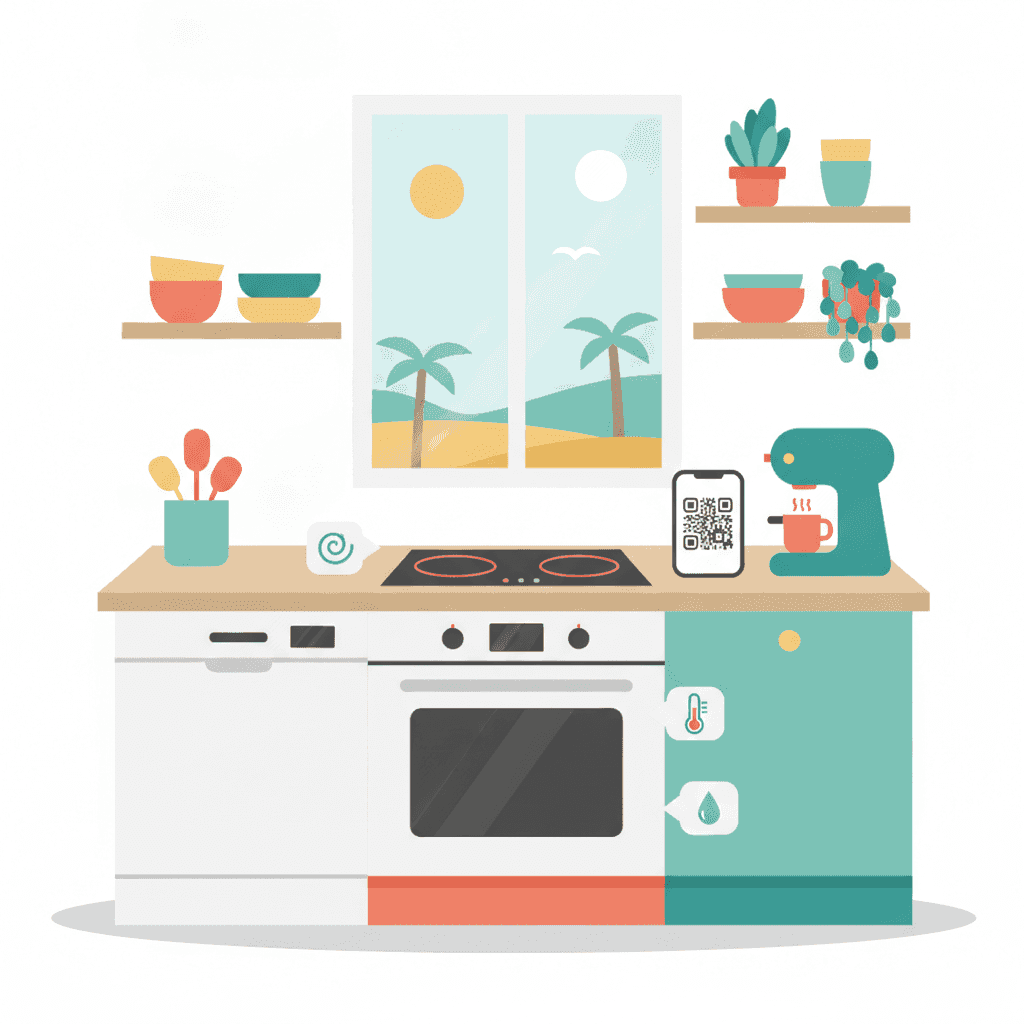
It's 10:15 PM on a Friday. Your guest has just arrived from a 4-hour flight, is hungry, and can't turn on the stove. They call you. You explain via WhatsApp that you need to hold the central button for 3 seconds. Later, another message: they don't know how to use the dishwasher. Half an hour later: the air conditioning. Sounds familiar, right? Most of these calls can be avoided with well-made instructions. In this post, I tell you how to set them up, which format works best, and which appliances cause the most problems.
Why instructions matter more than they seem
It's not just for your convenience. A guest who doesn't know how to use basic household appliances gets frustrated. And a frustrated guest leaves a worse review, even if the apartment is spotless.
Additionally, misuse of appliances = breakdowns. And you pay for those.
A real example: an extractor hood that turns on with capacitive touch. If the guest doesn't know this, they cook without the extractor, walls get greasy, and you need to repaint sooner. Or worse: they try to "force" it by pressing hard and break the panel. Repair cost: at least 180 euros.
What you save with good instructions
- Calls and messages outside of hours.
- Breakdowns due to misuse.
- Reviews with phrases like "we didn't understand how anything worked".
- Your time or your cleaning team explaining the same thing for the tenth time.
Which appliances definitely need instructions
Not all. Nobody needs instructions to open a fridge. But there are a few that generate 90% of doubts:
| Appliance | Problem level | Reason |
|---|---|---|
| Glass-ceramic / induction | High | Touch buttons, safety locks |
| Dishwasher | High | Tablets, programs, salt, rinse aid |
| Washing machine | High | Programs in rare languages, detergent |
| Air conditioning | Very high | Symbols on controls, cool/warm modes |
| Oven | Medium | Function symbols, preheating |
| Capsule coffee maker | Medium | Reservoir, capsule type, descaling |
| Extractor hood | Medium | Capacitive touch, filters |
| Thermos or boiler | High | Especially if it needs reactivation |
| Smart TV | High | Remote, apps, wifi, HDMI |
| Robot vacuum (if available) | Medium | Charging base, start button |
If you have any of these, they need instructions. End of story.
Formats that work (and those that don't)
I've tried almost all. Here's what works and what doesn't.
What DOES NOT work
- A 30-page bound manual: no one reads it. Takes up space and gives the impression "this is complicated".
- Original manufacturer manual: 200 pages in 15 languages with technical diagrams. Useless.
- Instructions only in Spanish: if you have international guests, you need at least English.
- Blurry photos taken with a mobile without light: gives the impression of a neglected house.
What DOES work
- Laminated individual cards next to each appliance. One per device.
- QR code with a short video (30-60 seconds) showing basic use.
- Digital welcome manual with a section on appliances, linked from check-in.
- Discreet stickers with key steps on the device itself (AC remote, dishwasher panel).
The winning combination is usually: a short physical card + QR code with video for those who want more detail. If you want to delve deeper into the manual topic, more info is available at welcome manual in your vacation rental.
How to write understandable instructions
This is where most fail. Writing instructions seems easy until you read them yourself a month later and don't understand what you meant.
Basic rules
- Numbered steps. No paragraphs. No one reads paragraphs when in a hurry.
- Imperative verbs: "press", "turn", "select". No "it should be proceeded to".
- Maximum 5-7 steps per task. If more, you've done something wrong.
- Photo or icon next to the step if the button isn't obvious.
- Bilingual: Spanish and English at minimum. German or French if your audience requests.
Bad example
"For the proper operation of the dishwasher, insert the tablet into the upper compartment, checking the salt and rinse aid levels beforehand, and select the appropriate program based on the type of crockery to be washed."
Good example
Dishwasher - How to use it
- Put the tablet in the small compartment of the door (photo).
- Close the door.
- Press ON (green button).
- Press "P3" (normal program, 1h30).
- Press START.
Salt and rinse aid are already loaded. Don't worry.
Anyone can understand the second example in 10 seconds.
How to create step-by-step cards
Here's the process I use. You don't need to be a designer.
1. List all appliances
Take a walk around the house and note everything with buttons or controls. Yes, everything. Even the microwave.
2. Test each as if it were the first time
This step is key. Forget that you've been using that dishwasher for 3 years. Think like a guest and note every doubt.
3. Write the minimum steps for basic use
Don't explain all functions. Explain the one they will use. If your oven has 12 programs but 95% of guests will only heat pizza, explain the "top and bottom heat at 180 degrees" mode. The rest is unnecessary.
4. Take clean photos
With good lighting, straight framing, no hands or reflections. You can use your phone, but watch the light. If making videos, keep them horizontal and short.
5. Translate
Use DeepL or ChatGPT, but review. Automatic translations of technical terms can sometimes be a disaster.
6. Print and laminate
A laminated A5 card per appliance. Lasts for years. Cost: 0.50 euros per card at any copy shop.
7. Place each card next to the appliance
With a magnet, velcro, or adhesive sleeve. Make sure it's visible without searching.
Appliances that cause the most headaches
Some deserve special mention because they generate 80% of calls.
Air conditioning
The absolute champion of calls. Reasons:
- Remote controls with 20 buttons and strange symbols.
- Confusion between cool, heat, fan, and dehumidifier modes.
- Guests setting 16 degrees expecting it to cool faster (spoiler: it doesn't).
Key instructions:
- Photo of the remote with arrows pointing to the 3 important buttons: ON/OFF, mode (snowflake symbol for cold), temperature.
- Recommend 22-24 degrees in summer.
- Explain that you must point the remote at the unit, not the ceiling.
If you're interested, more details are available at heating and air conditioning in vacation rentals.
Induction glass-ceramic stove
Classic problem: the guest doesn't know they need induction-compatible pans. They put their pan (or one you brought that isn't compatible) and it doesn't heat.
Solution: ensure all your pans are induction-compatible, and state this clearly. "All pans in this house are compatible with induction, no special equipment needed."
Dishwasher
Two problems:
- They don't know where to put the tablet.
- They don't understand the program symbols.
Solution: leave tablets visible, with a photo of where to put them. And translate the programs: "P3 = normal, 1h30. This is the one you should use 99% of the time."
Smart TV
This could be a full post (and it's covered in smart TV vs regular TV). The basics:
- How to turn it on.
- How to switch HDMI if they have Fire Stick or Chromecast.
- How to connect their phone (if compatible).
- How to log out of their Netflix accounts when they leave (important).
Coffee maker
Problem: they don't know which capsules to use. Solution: leave a photo of the compatible capsule box and a clear note: "Compatible with this coffee maker: Original Nespresso or brand X. Do not use others."
Digital vs physical instructions: which to choose?
Spoiler: both.
| Physical | Digital | |
|---|---|---|
| Initial cost | Low (printing) | Low (free tools) |
| Updating | Reprint | 2 clicks |
| Reach | Only those at home | Also before check-in |
| Languages | 1-2 on the same card | Unlimited |
| Video | No | Yes |
Ideally, have a complete digital manual sent before check-in (so the guest arrives already knowing the basics) and physical cards next to each appliance for quick reference.
Note on GDPR: if your digital manual is an app or website requiring guest data, be careful with what you collect. For instructions, no personal data is needed.
Common mistakes I see repeatedly
- Copying and pasting the manufacturer's manual. Illegible. No one reads it.
- Not updating when changing an appliance. The old dishwasher card remains 6 months later.
- Handwritten instructions. Looks amateurish. Loses points.
- Only in Spanish. If 40% of your guests are foreigners, you're leaving out 40%.
- Hidden cards in a drawer. If they're not visible, they don't exist.
- Too much information. Explaining all 15 oven functions when only one will be used.
How much time and money you need
Let's do some real numbers:
- Time: 4-6 hours to make cards for a home with 8-10 appliances. Includes testing each, writing, translating, taking photos.
- Money: 15-25 euros for printing and lamination (at any copy shop).
- Tools: Free Canva for design, DeepL for translation, your phone for photos.
Total: a work afternoon and less than 25 euros. It pays off by avoiding the first call at 11 PM.
How Autoregistro fits in
Autoregistro doesn't manage your appliances (hopefully), but it takes care of another repetitive task: guest registration in SES Hospedajes.
Guests fill out an online form before arrival, their data is sent automatically to SES, and you forget about it. 1 euro per property per month (less than a coffee). That way, you can spend that time on things that matter, like preparing your appliance instructions well and avoiding calls at 10 PM.
Frequently Asked Questions
Should I have instructions even if my house is simple?
Yes. Even with 4 basic appliances, the remote controls for the air conditioning and stove are a sure source of doubts. With 2-3 well-made cards, you avoid most calls.
How many languages should they be in?
At least Spanish and English. If you get many French or German guests (check your Airbnb or Booking history), add those. More than 4 languages becomes hard to maintain.
Can I use the original manufacturer manuals?
As a backup, yes, keep them in a drawer. But as main material for the guest, no. They are unreadable and give a bad image.
Is it worth recording videos?
Yes, especially for complicated appliances (air conditioning, dishwasher). Short videos, 30-60 seconds, accessible via QR code. No need for professional production: mobile, good light, and clear voice are enough.
How often should I update instructions?
Whenever you change an appliance. A general review once a year is also good, especially if you've received several questions about the same thing (a sign that the instruction isn't clear).
Related posts
Heating and air conditioning in holiday homes: what to install, how much you spend, and how to avoid crazy bills
Practical guide to choosing a climate control system in your vacation rental: types, actual installation and consumption costs, and how to prevent your guests from skyrocketing your electricity bill.
Smart TV vs Normal TV in Vacation Rental: Which to Install, How Much It Costs, and Common Mistakes
Real comparison between Smart TV and regular TV with external device for your vacation rental. Prices, common issues, and what guests choose in 2026.
Ready to automate your guest registration?
Create your account and start streamlining SES Hospedajes compliance for your Spanish rentals.
Get started